
Managing your Cloud VPS or Dedicated Server at UnderHost is seamless with our robust NOC Server Management API (Remote Console). This intuitive interface empowers you to handle critical tasks such as server rebooting, OS reinstallation, and rDNS configuration—all within a few clicks.
With the NOC Server Management API, you gain direct control over your hosting environment, ensuring top performance and security for your server infrastructure.
Accessing the NOC Server Management Dashboard
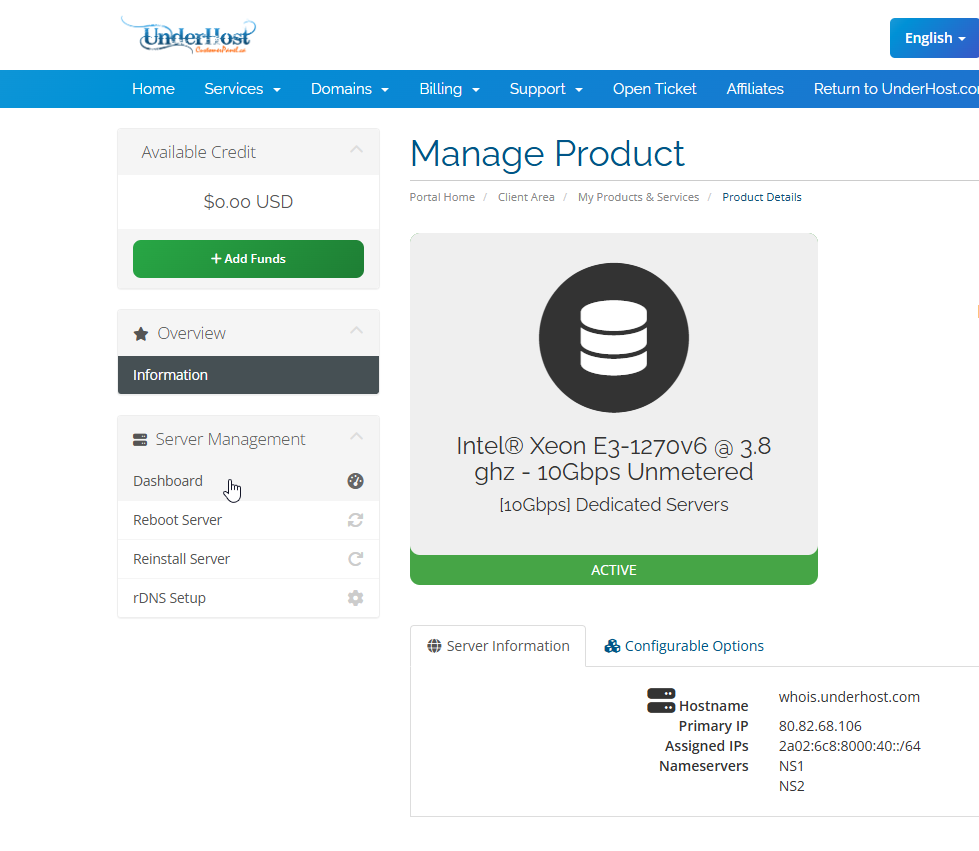
To access the Server Management Dashboard, log in to your @CustomerPanel and navigate to your server details page. Within the dashboard, you will find several essential management options, including:
- Dashboard Overview – View important server information.
- Reboot Server – Instantly restart your server if needed.
- Reinstall Server – Deploy a new operating system.
- rDNS Setup – Manage reverse DNS records.
Understanding the Dashboard
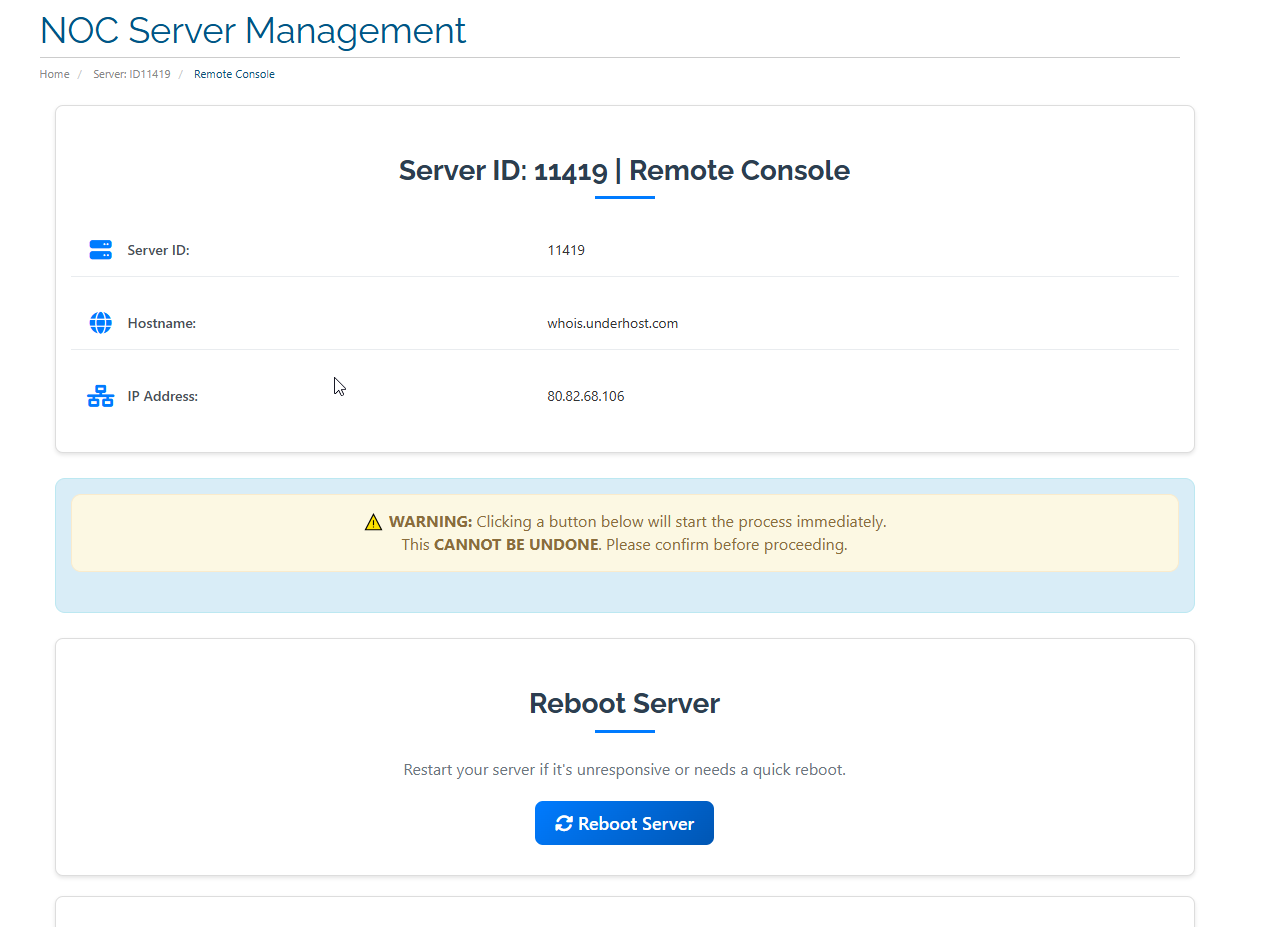
The Server Management Dashboard provides essential information about your server’s current status and configuration. This includes:
- Server Status – Monitor whether your server is online or experiencing issues.
- Assigned IP Addresses – View the list of IP addresses allocated to your server.
- System Information – Check hardware and software details, including CPU, RAM, and OS version.
Note: The Server Management Dashboard or some option such as server status, system hardware, IP addresses list is currently being rolled out and may not yet be available for all server locations. We are actively working on centralizing this feature across all regions.
⚠ Warning: Be cautious when using the dashboard tools. Actions such as server reinstalls and reboots cannot be undone. Ensure you back up important data before making significant changes.
Rebooting Your Server
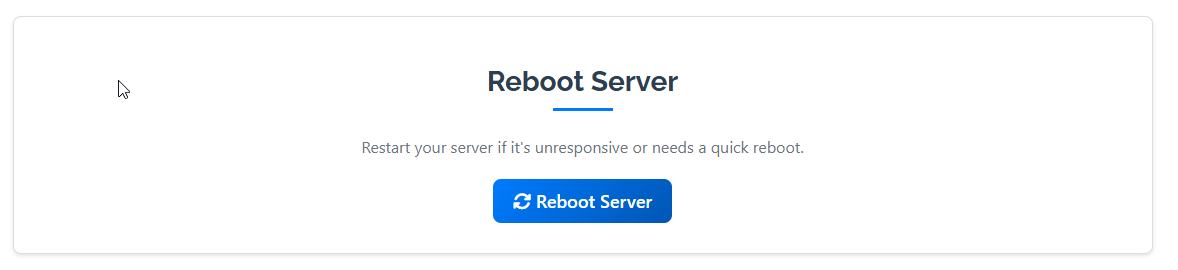
If your server becomes unresponsive or needs a fresh restart, you can initiate a reboot from the dashboard:
- Navigate to the Reboot Server section in the management panel.
- Click the Reboot Server button to initiate the restart.
- Confirm the action when prompted to proceed.
This feature helps restore server functionality without manual intervention.
Reinstalling Your Operating System
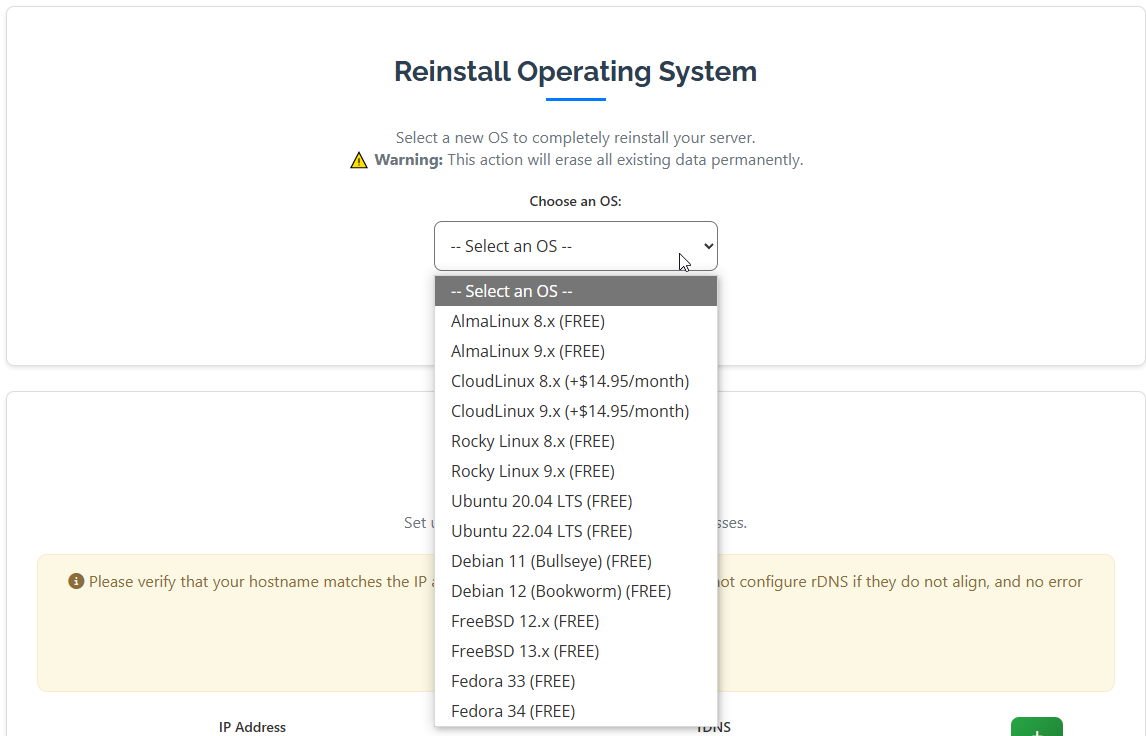
If you need a fresh OS installation, follow these steps to reinstall your server’s operating system:
- Go to the Reinstall Server section in your dashboard.
- Select your preferred Operating System from the available options.
- Confirm the reinstall process—this will erase all existing data on the server.
Important: Always back up essential files before initiating a reinstallation.
Managing rDNS Settings
Reverse DNS (rDNS) is essential for ensuring proper email deliverability and accurate network identification. To update your rDNS records:
- Navigate to the rDNS Management section in your dashboard.
- Enter the desired PTR record for your server’s IP address.
- Click Save to apply the changes.
Why is rDNS important?
- Enhances email deliverability by reducing spam classification.
- Improves network trust and validation.
- Ensures proper domain-to-IP resolution.
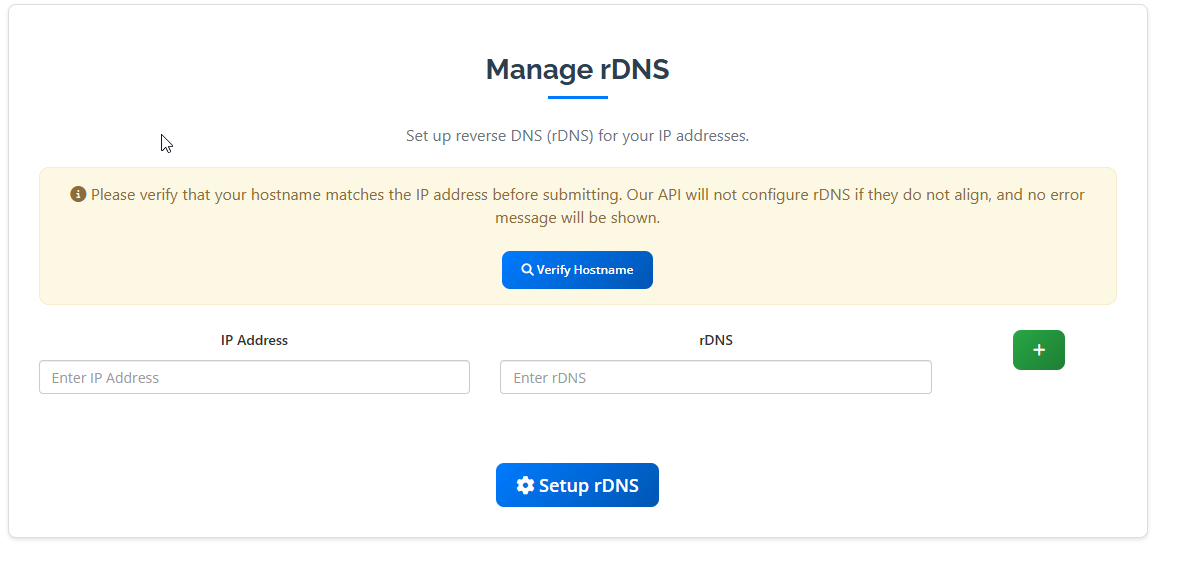
Verifying Your Hostname
Before submitting changes to your rDNS settings, it’s essential to verify that your hostname is correctly mapped to your IP address:
- Click on Verify Hostname. A popup window will appear.
- In the popup form, enter your hostname.
- Click Verify to check if the IP address resolves correctly to the hostname.
- If verified, submit the changes to finalize the update.
Why Use UnderHost’s NOC Server Management API?
The NOC Server Management API provides a streamlined way to manage your server with minimal effort. Whether you need to reboot, reinstall, or configure rDNS settings, our dashboard gives you complete control over your hosting environment.
With UnderHost’s intuitive interface, managing your Cloud VPS or Dedicated Server is hassle-free, enabling you to focus on your business rather than technical complexities.
